When an Edge needs to be returned to your inventory, you can send a return request to the customer directly through the Graphiant portal.
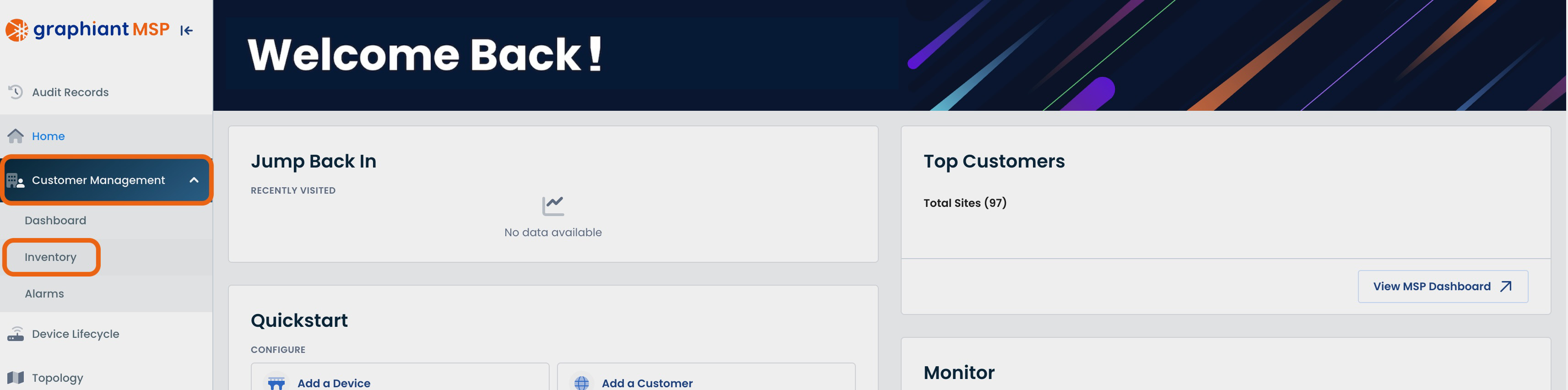
From the Portal homepage, click ‘Customer Management’; select ‘Inventory’.
Select the device you wish to request back; click ‘Request Edges’ either at the top, or to the right of the selected Edge(s).
.png)
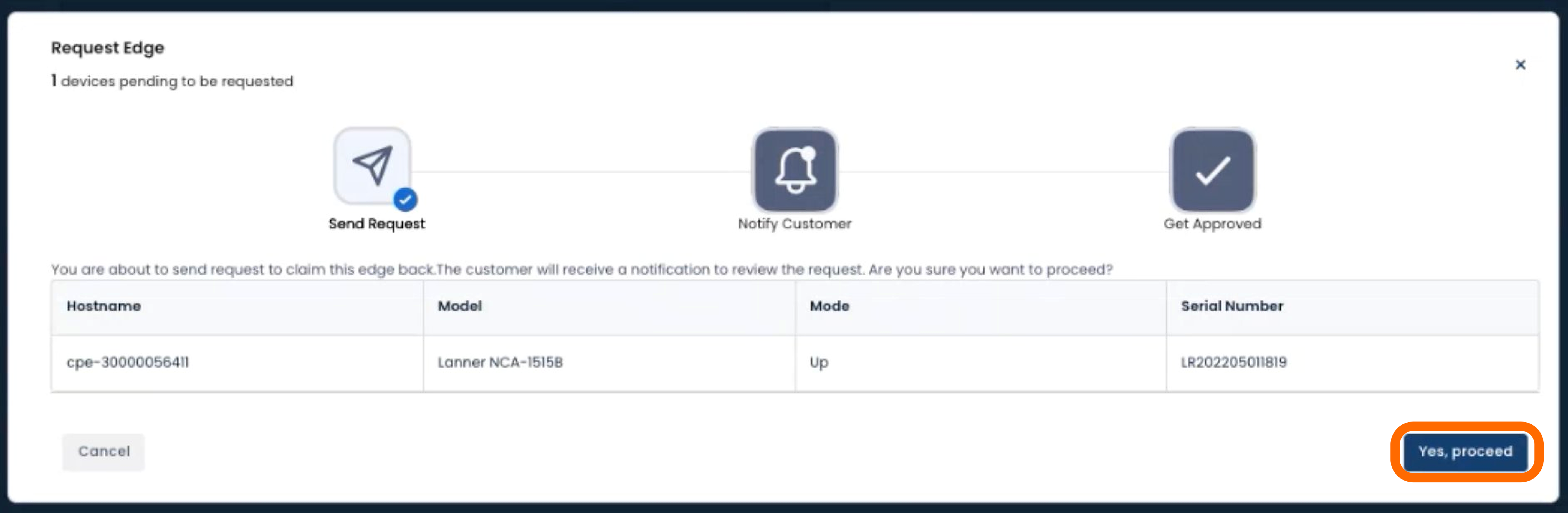
Click ‘Yes, proceed’ to send the request.
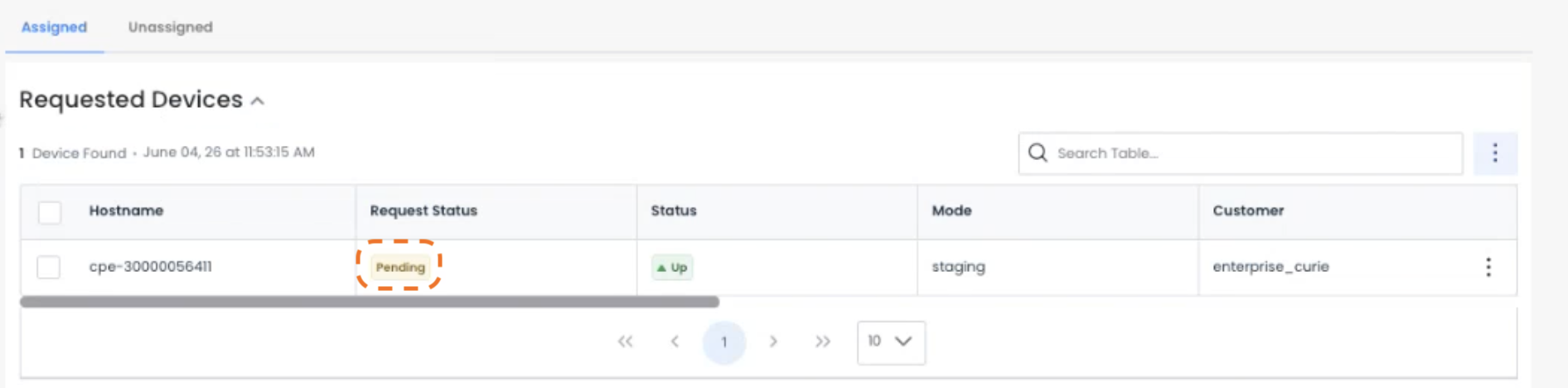
That Edge will now be in a Requested Devices table at the top of your screen, and have a status of “Pending”.
Your customer will have an alert to a requested return of their Graphiant Edge.
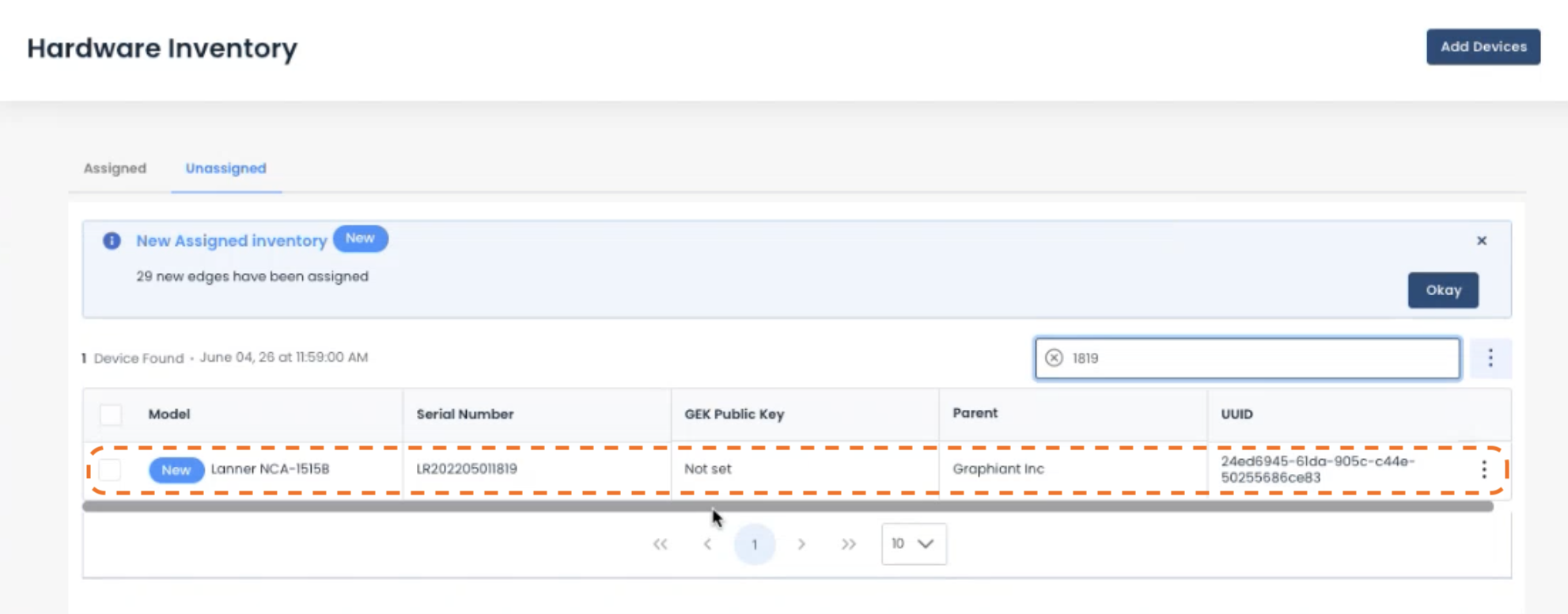
Once they approve the return, it will be back in your Unassigned Inventory and be ready to assign to a new customer.
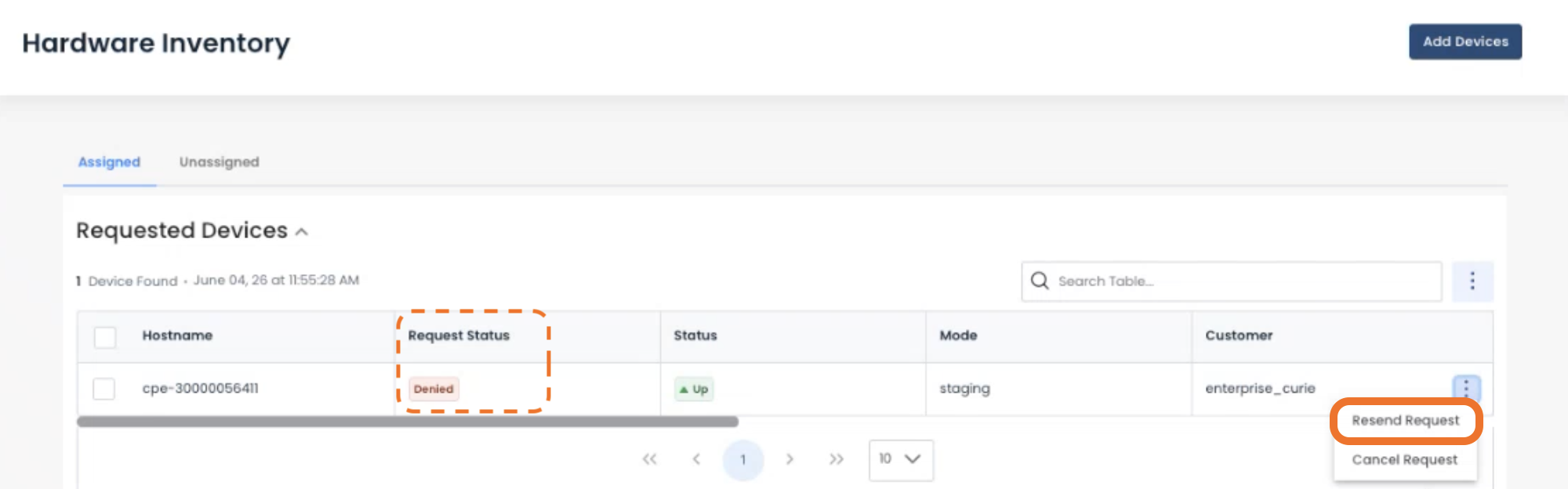
Should your customer deny the return request:
The request status will be “Denied”, and you will have the option to either resend the return request with edits, or cancel the request.