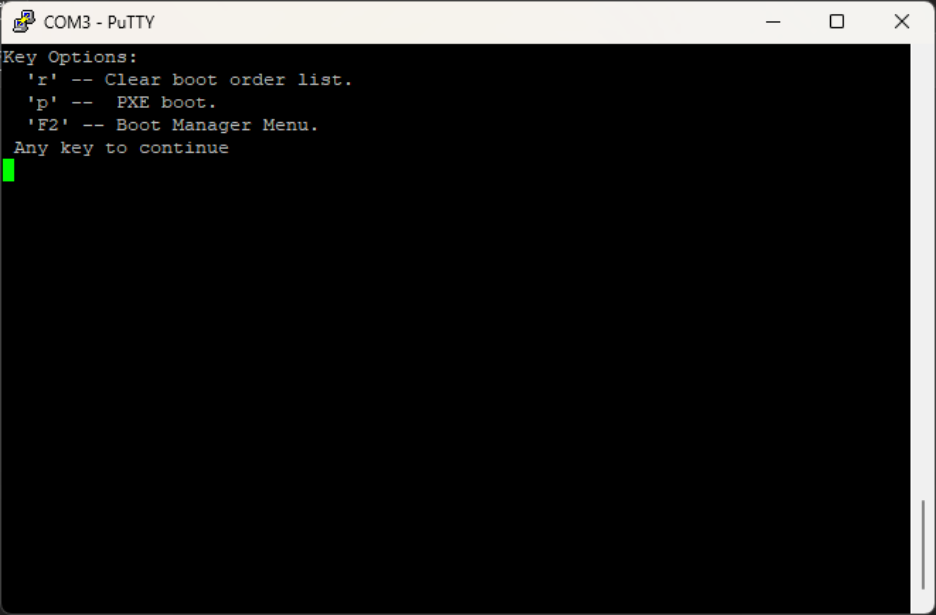
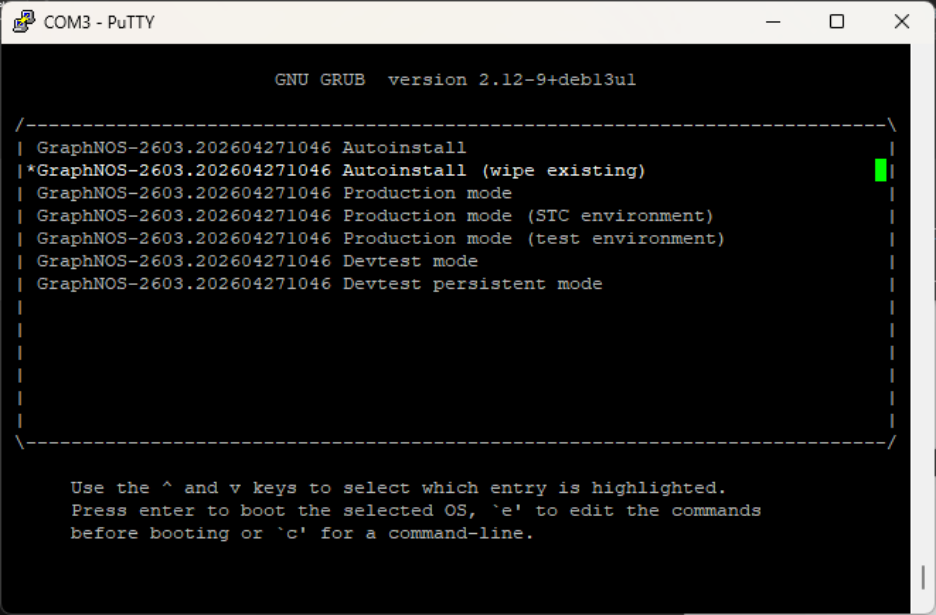
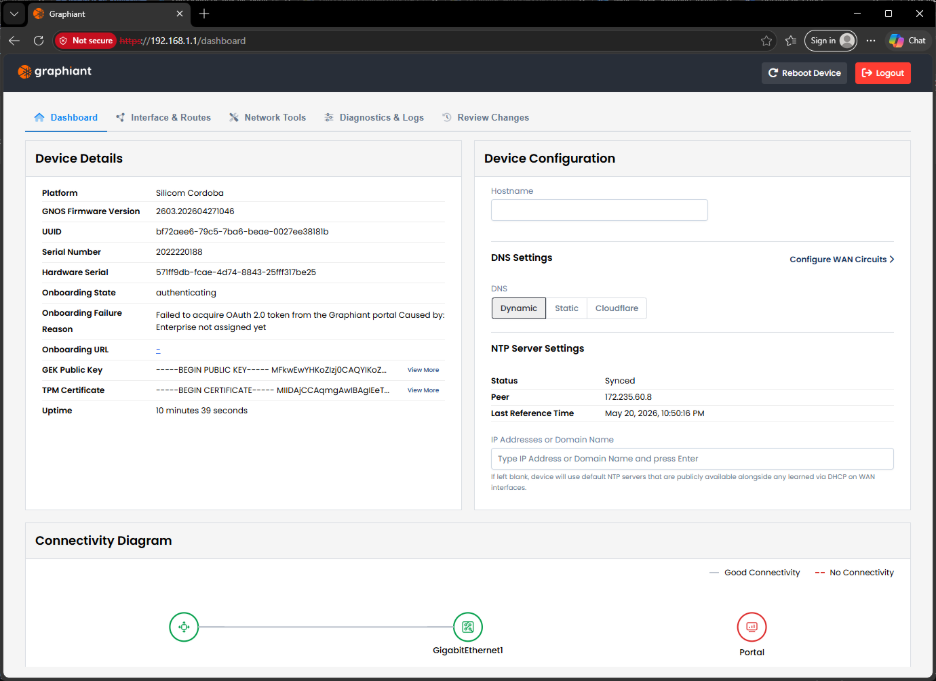
Before onboarding a Graphiant Edge, the factory image on the edge can be reimaged should there be any issue in the shipped version of the Edge.
From the Graphiant Portal home screen, click ‘Maintain’ in the left sidebar; select ‘Device Lifecycle’.
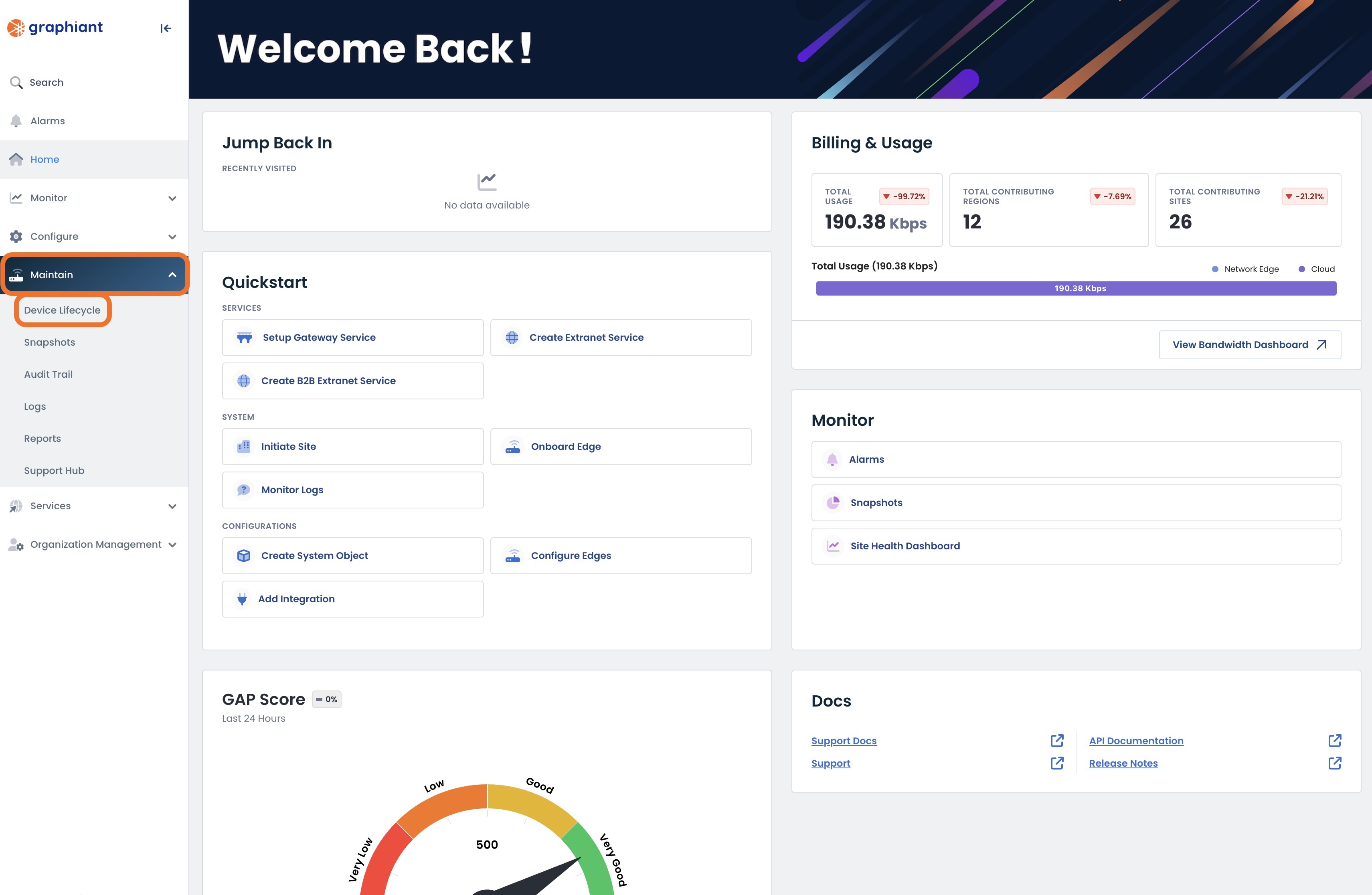
Select the ‘Provisioning’ tab.
.png)
Download the iso image of a supported version.
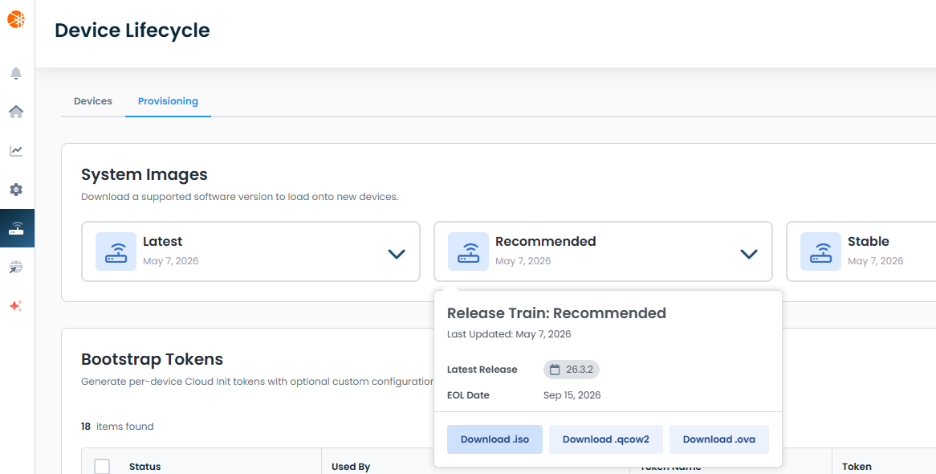
Downloaded the Recommended version: GraphNOS-2603.202604271046-amd64.hybrid.iso.
Prepare a bootable USB stick of this download iso image using tools like Balen Etcher (macOS) or Rufus (Windows).
Download Rufus in Windows from the Microsoft store.
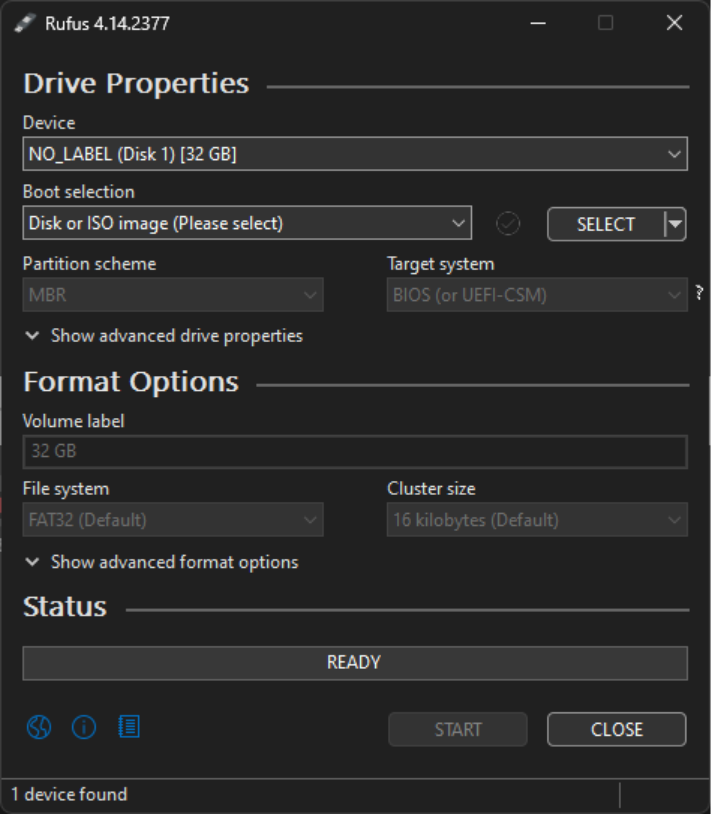
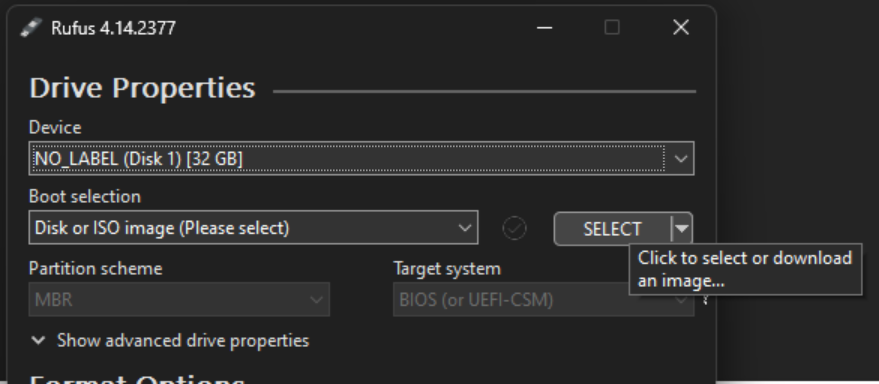
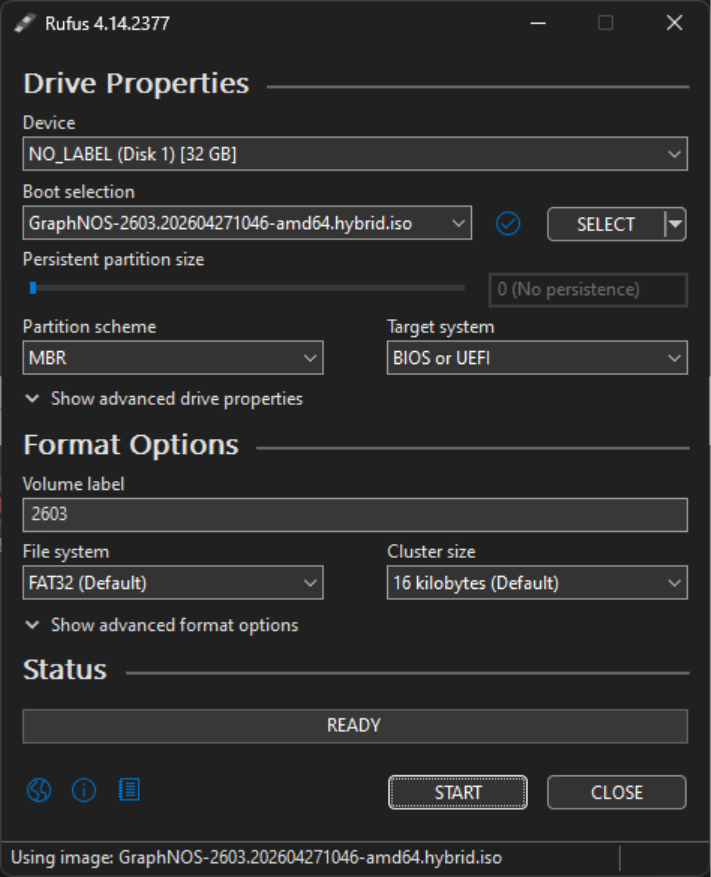
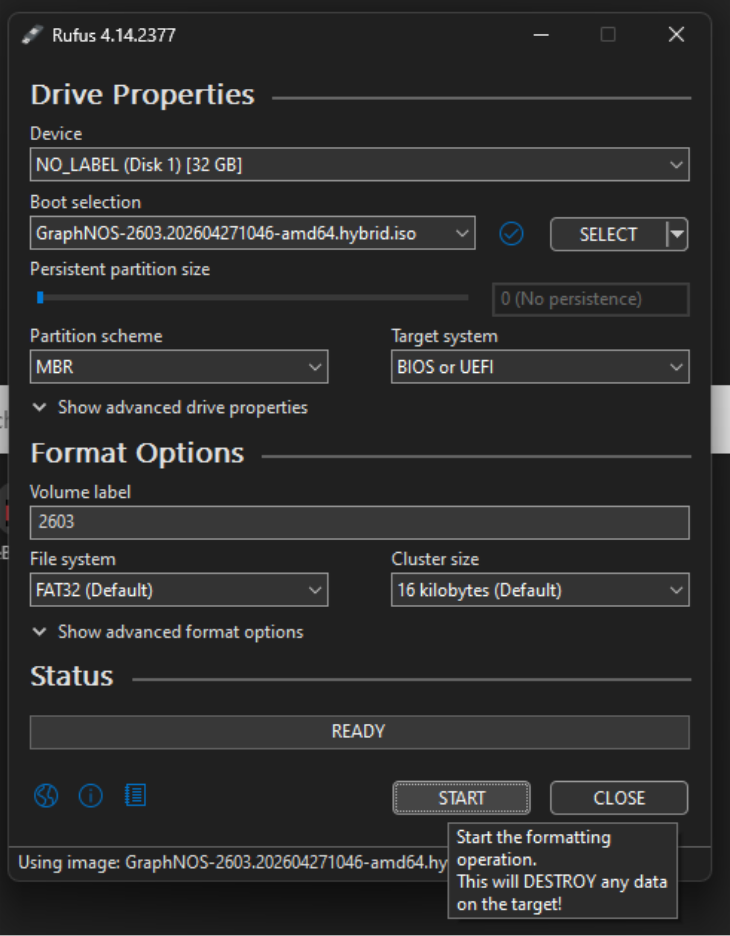
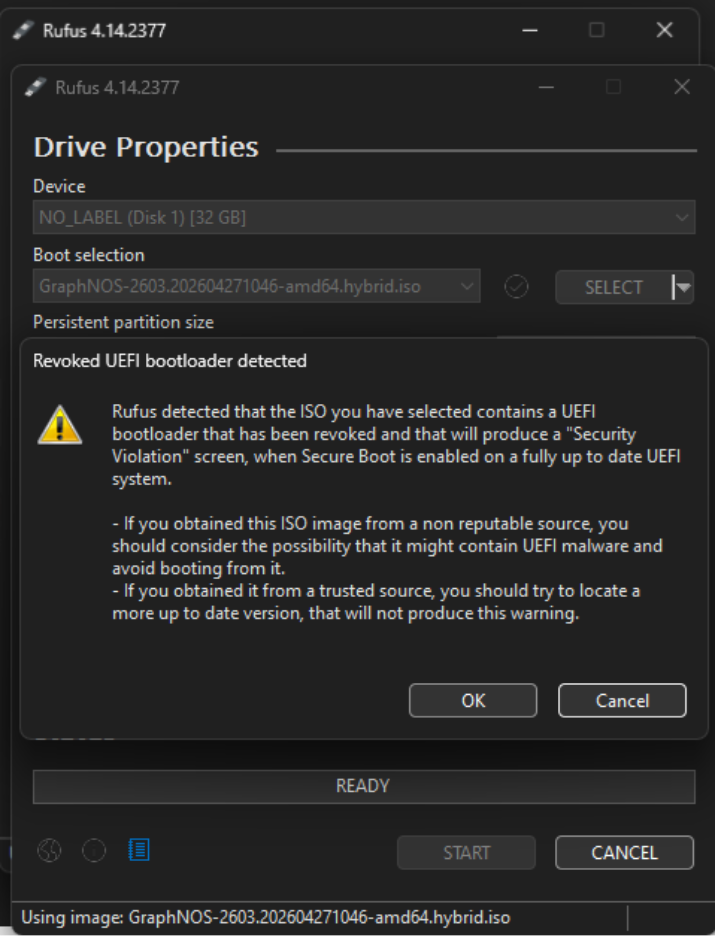
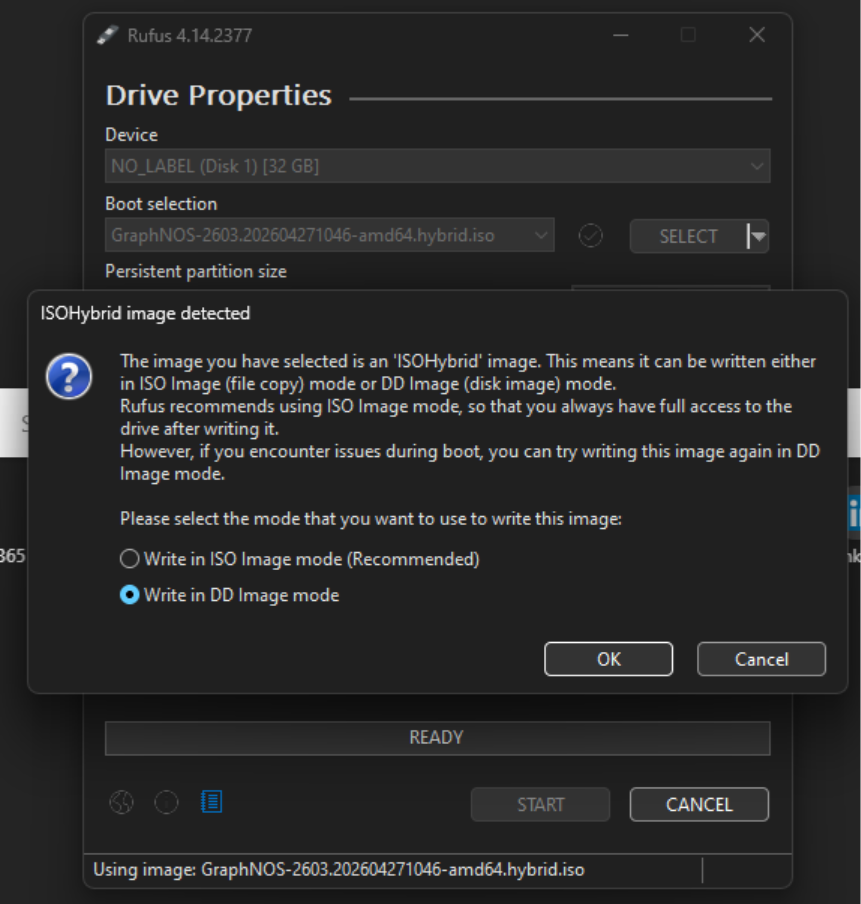
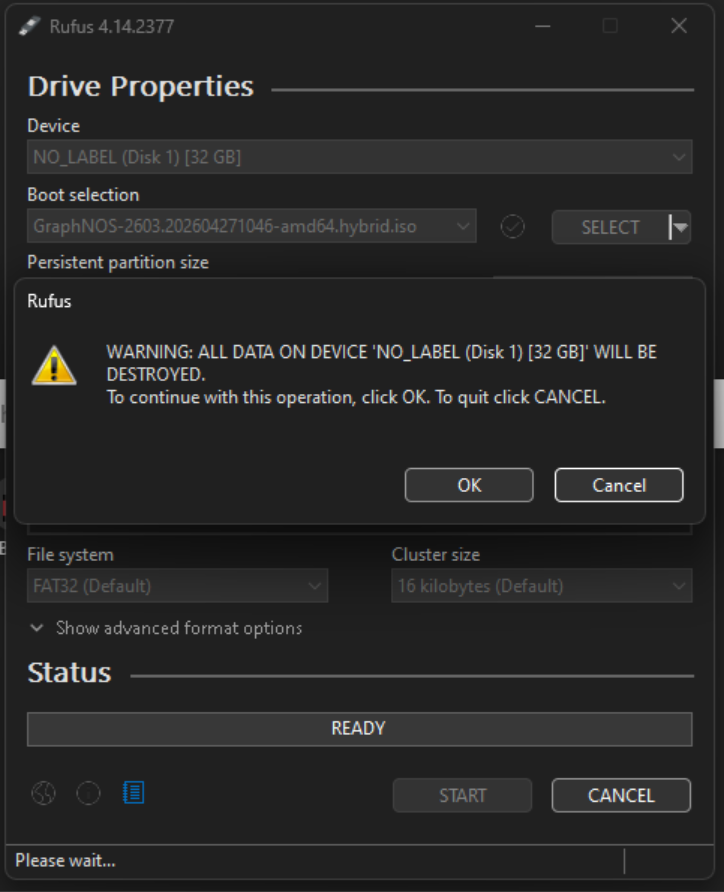
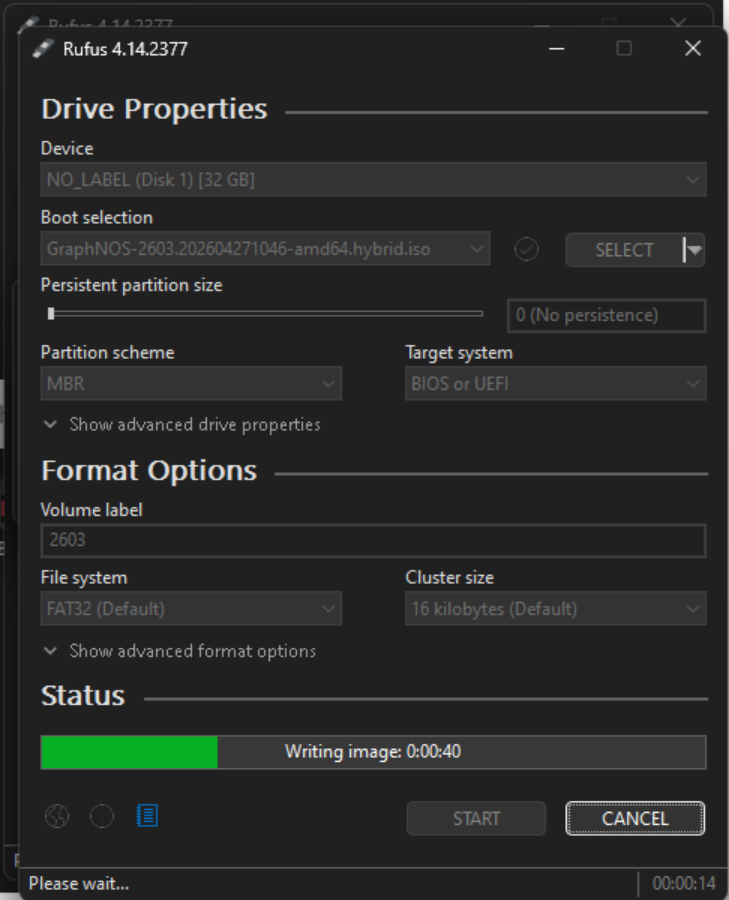
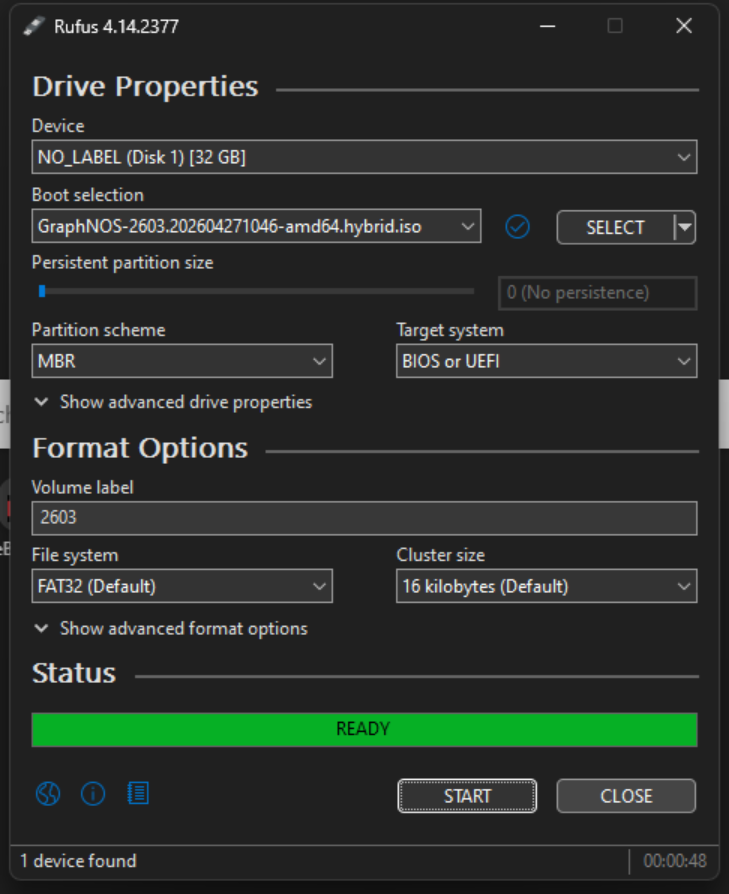
Connect to the Graphiant Edge’s console port from the laptop.
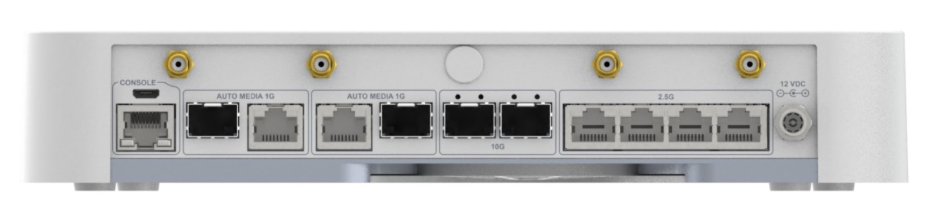
Minicom utility can be used connect to the console port from Linux/macOS.
% ls /dev/tty.*.
% minicom -b 115200 -D /dev/tty.usbserial-A9GX9Q1V.
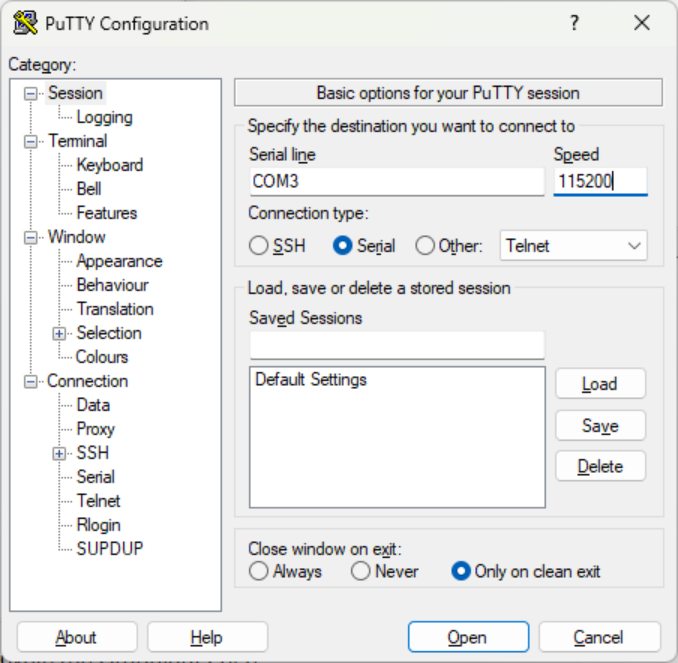
Or use PuTTY in the windows operating system.
Download PuTTY in the windows from the Microsoft store.
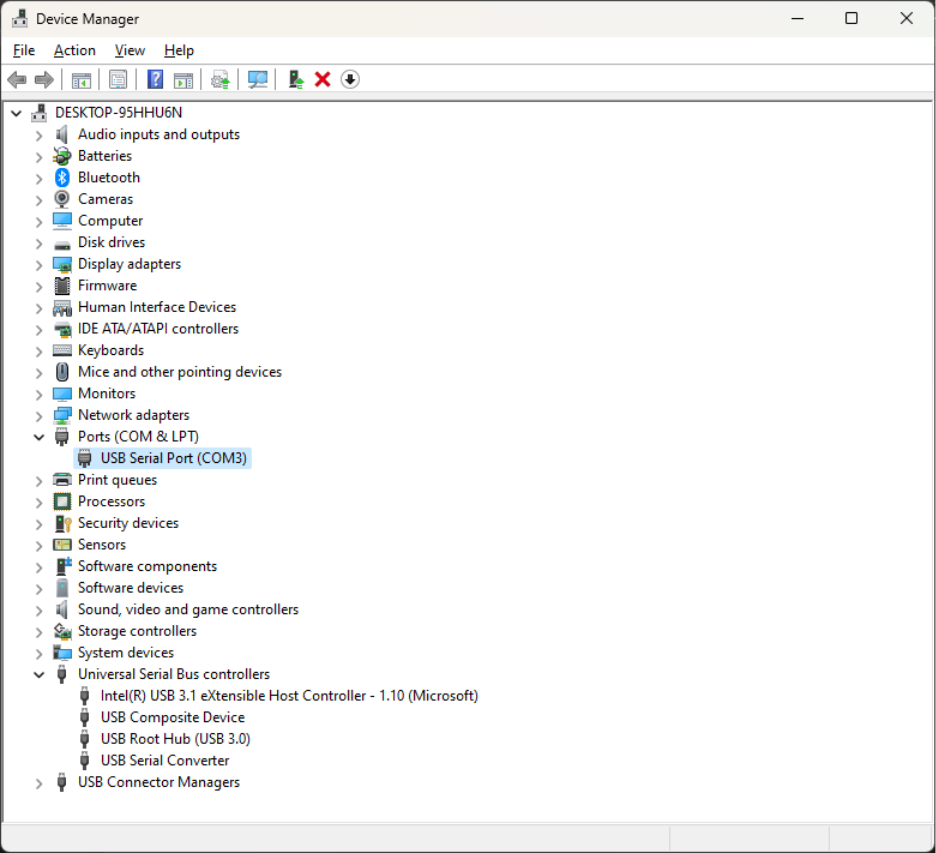
Plug in the USB stick to the Graphiant Edge.
Power cycle the Graphiant Edge (or Reconnect the power cable).